
Every vehicle in your yard. Tracked, billed, accounted for.

Auto Billing
Gate-in, storage, wash, repair, loading: charges generate the moment work happens. Your finance team stops chasing unbilled services at month-end.
Full History
Every vehicle carries a timestamped trail from gate-in to gate-out. When a customer disputes a charge or timeline, you have the record.
Pre-Announced
Booked vehicles appear as expected stock before they arrive. When a unit hits the gate, the system matches it to its booking by VIN automatically.
Mobile Scanning
Barcode and VIN scanning, photo capture, and activity recording happen on Android and Windows enterprise handhelds. Data syncs from the yard floor.
Track every vehicle from gate-in to gate-out
Every unit that enters your yard is tracked through its complete lifecycle. Logisoft records arrival, inspection, park assignment, activity execution, outbound loading, and final dispatch, with a full audit trail for every step.
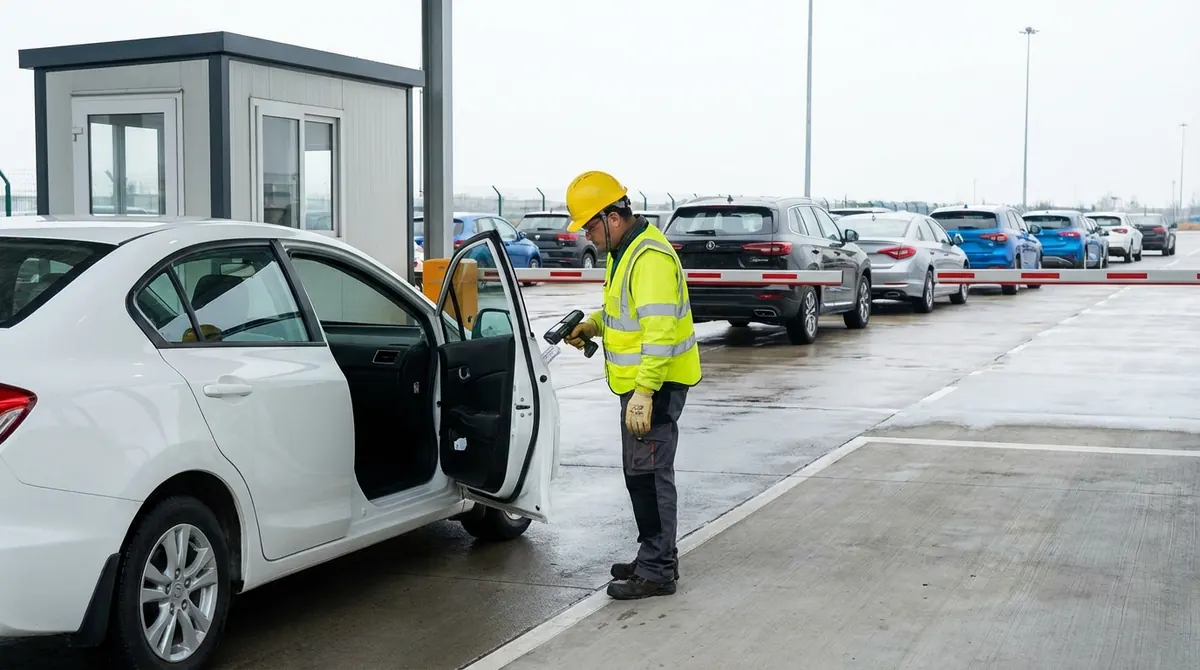
Receive pre-announced units, scan on arrival, assign to a park zone, and track through every stage to gate-out. Bulk operations for high-volume days: receive, transfer, update, and assign activities across hundreds of units at once.
Revenue captured automatically, on every yard activity
Configure charging rules once per activity type and client. From that point, every inspection, wash, repair, move, or storage event generates the correct charge automatically, applied at the point of activity, visible in the invoice immediately.
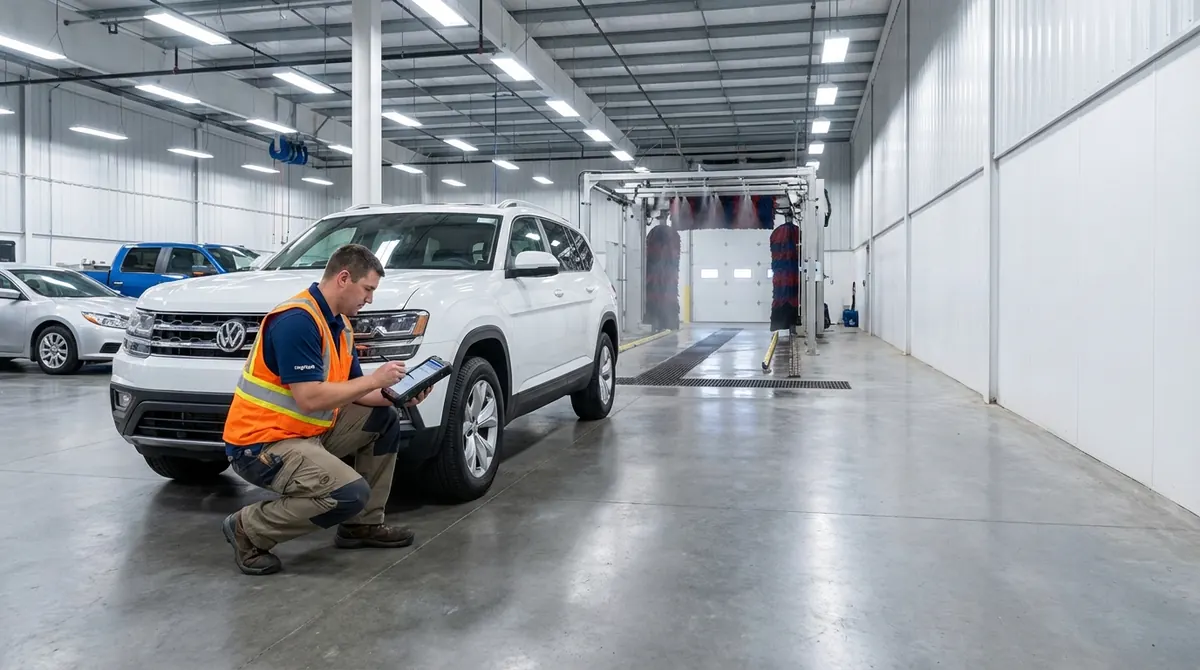
Charging rules fire when an activity is recorded, not at month-end. Bill by activity count, or by the activity's measured outcome (kWh delivered, percentage delta, units processed). Client-specific pricing applies automatically. No manual invoice lines, no back-office reconciliation.
Precision location management: down to the slot
Every vehicle in the yard has an exact address. A five-level hierarchy (Zone, Block, Row, Bay, Slot) tells your operations team where every unit is parked, what space is available, and how the yard is utilized.
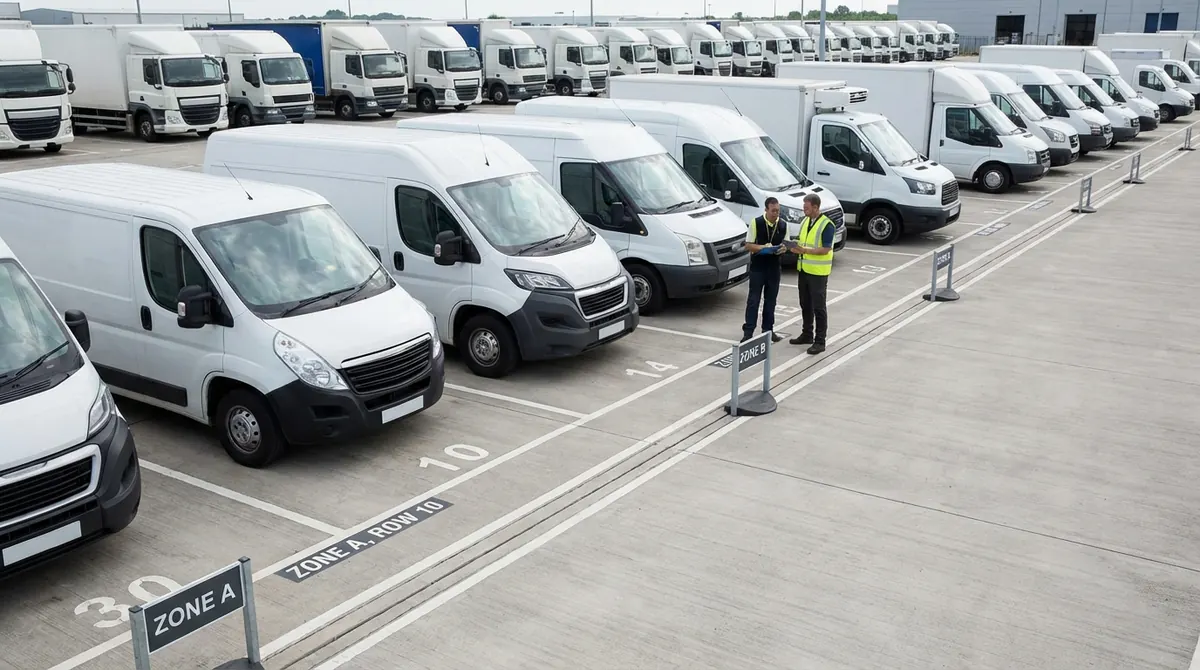
Zone → Block → Row → Bay → Slot. Every unit is assigned a precise slot address. Search, filter, and report by any level in the hierarchy: find all units in a specific row, all available bays in a block, or total occupancy per zone. Location data is always current, updated the moment a unit is moved.
Activity intelligence: structured outcomes, automatic actions
Every activity recorded in the yard produces structured data, not free-text notes. Seven outcome types ensure every inspection finding, measurement, and result is filterable, reportable, and auto-billable. And completing one activity can trigger the next automatically.
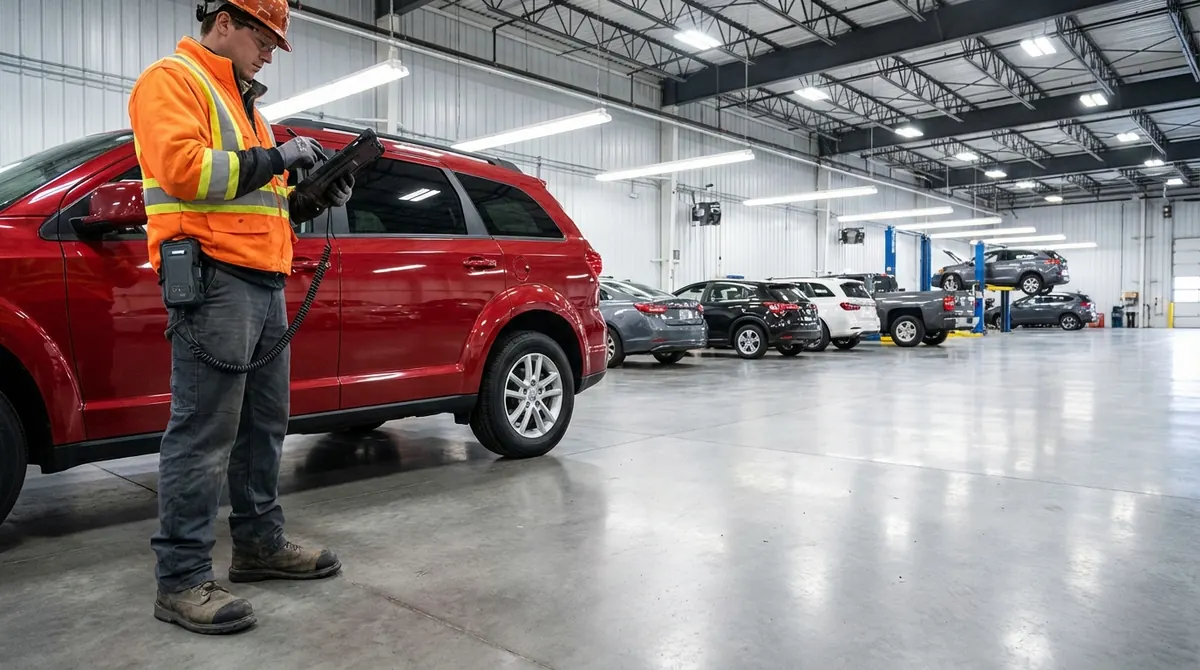
Activities capture typed outcomes instead of free-text notes: pass/fail checks, numeric measurements, timestamps, percentages, and vehicle-panel selections. Delta tracking captures before/after values for measurements like battery level or weight, where the change itself is the outcome. Structured data is filterable, usable in billing, and available as triggers for downstream activities.
Multi-yard operations, one connected view
Operators running multiple yards see units, transports, and inventory flow between yards as one connected operation, not as separate silos. Movement between yards is announced ahead of arrival, dispatches notify destination yards automatically, and the same unit stays the same record wherever it goes.
Announce units moving from one yard to another with optional transport details. The destination yard sees the incoming units as expected stock before they arrive, with VIN-level matching ready for gate-in.

Your yard in your pocket.
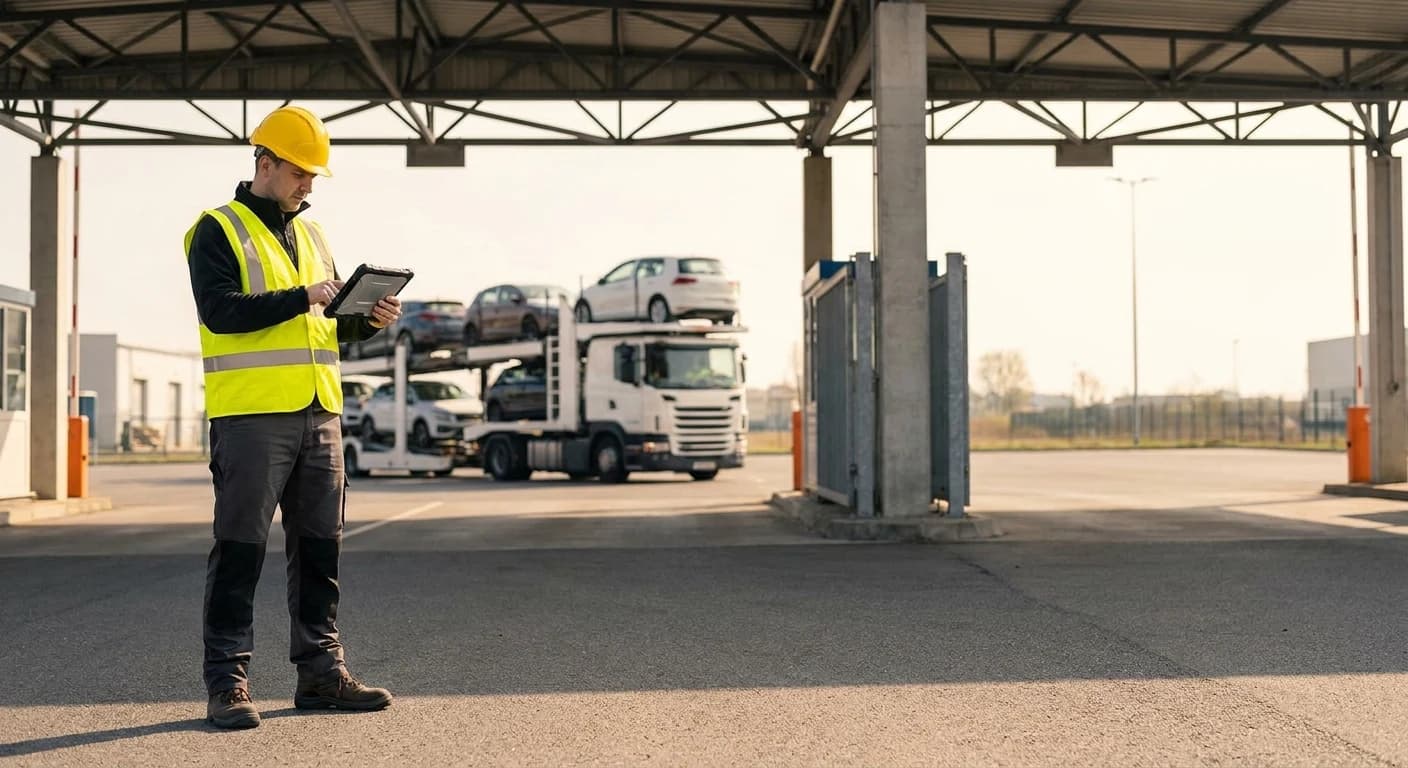
The Logisoft Yard App runs on Android smartphones and ruggedized handheld scanners. Yard staff scan units at gate-in and gate-out, record activities, capture inspection photos, and confirm park locations, with or without a stable connection.
Available on Android (Google Play). Works offline, syncs automatically when connectivity is restored.
Frequently Asked Questions
Features
Built for the yard floor, not the back office
Gate Operations
Scan hundreds of units at gate-in and gate-out in rapid sequence. The platform validates each against the manifest, records timestamps, and generates transport manifests per destination automatically.
Park & Zone Allocation
Assign units to specific yard zones with live availability counts. Bulk manifest distribution routes units to the correct park on arrival. Occupancy dashboards show capacity per zone.
Activity Workflows
Define the order of activities per unit type and client. Workshop mode batch-processes multiple units through the same activity in one session for wash runs, inspections, and repairs.
Holds and Mobility
Two separate things, kept separate. A hold stops a unit moving at all, whether for a customs clearance issue, a failed inspection or a client request, until an authorised user clears it. Mobility says how a unit moves when it does: runner, non-runner, forklifted, towed or tracked. Changing mobility is permissioned and records a reason.
Gate-Out Controls
Block a unit from leaving until its required inspections and activities are complete. Flag any inspection or activity type as required-before-gate-out, so the SOP is enforced by the system, not the operator's memory.
Key Management
Each unit gets a key number auto-assigned at check-in and printed on its barcode label. Look up which vehicle holds key #42, and see who pulled which key when.
Quick Dispatch
Build an outbound truck's load list by pasting a batch of VINs. Assign processing activities, attach an inspection, and print labels in one step, instead of adding each unit by hand per truck.
Yard Locations & QR
A five-level hierarchy (Zone, Block, Row, Bay, Slot) gives every unit a precise address. QR codes on physical bays link to the platform for instant parking confirmation.
EV Charging (OCPP)
OCPP integration with compatible chargers. Charging sessions tracked as native yard activities, auto-billed on completion. Session duration and energy consumed logged per vehicle.
Anji Integration
Bidirectional sync of vehicle models, inventory status, pre-announcements, and outbound load plans with Anji yard systems. No manual field mapping between the two platforms.
Aging and Auto-Roll
Units that exceed dwell time thresholds are escalated automatically. Tiered storage surcharges apply based on configured rules. Overflow routing moves aged inventory to external storage.
Related resources
- Terminal Operating System
- Mobile app for yard teams
- Solutions for terminal operators
- Vehicle processing and PDI
- Damage management
- Vehicle mobility and handling charges
- Vehicle damage liability at handover
- Yard management vs TOS: where the line sits
- Yard optimization for RoRo terminals
- How to lay out a RoRo yard
- How Sallaum runs its terminal
- Estimate the return on a platform move
- What is yard management?
- What is an auto terminal?
- What is a vehicle processing center?